# DO Hackathon: Phase 2 - The Design
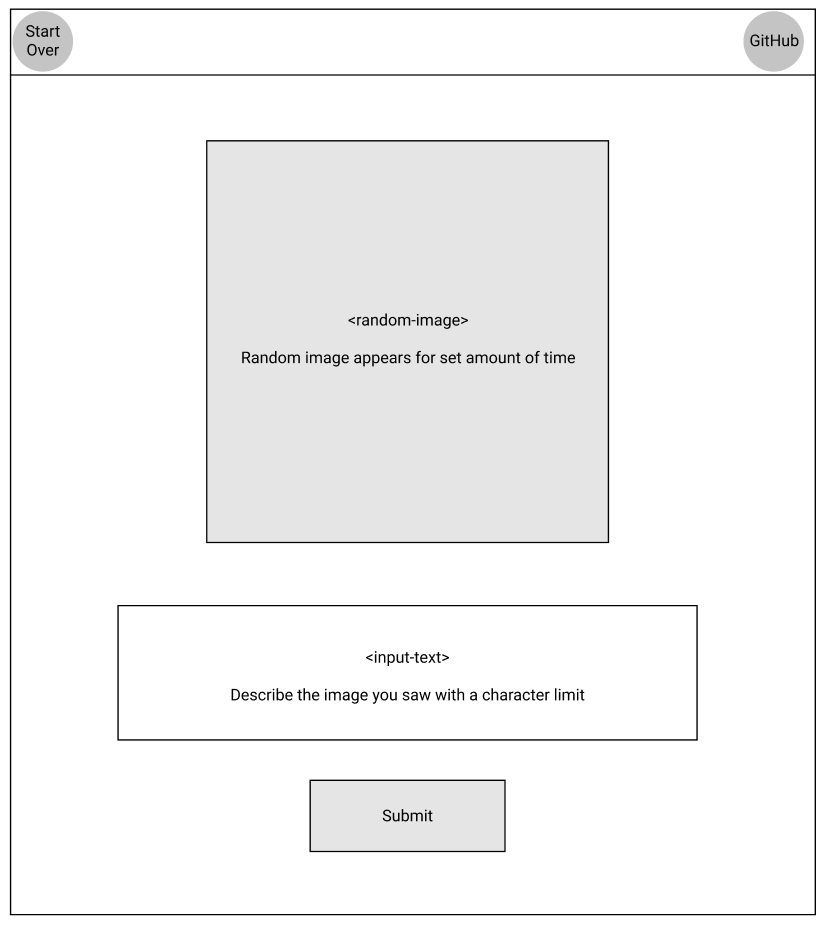
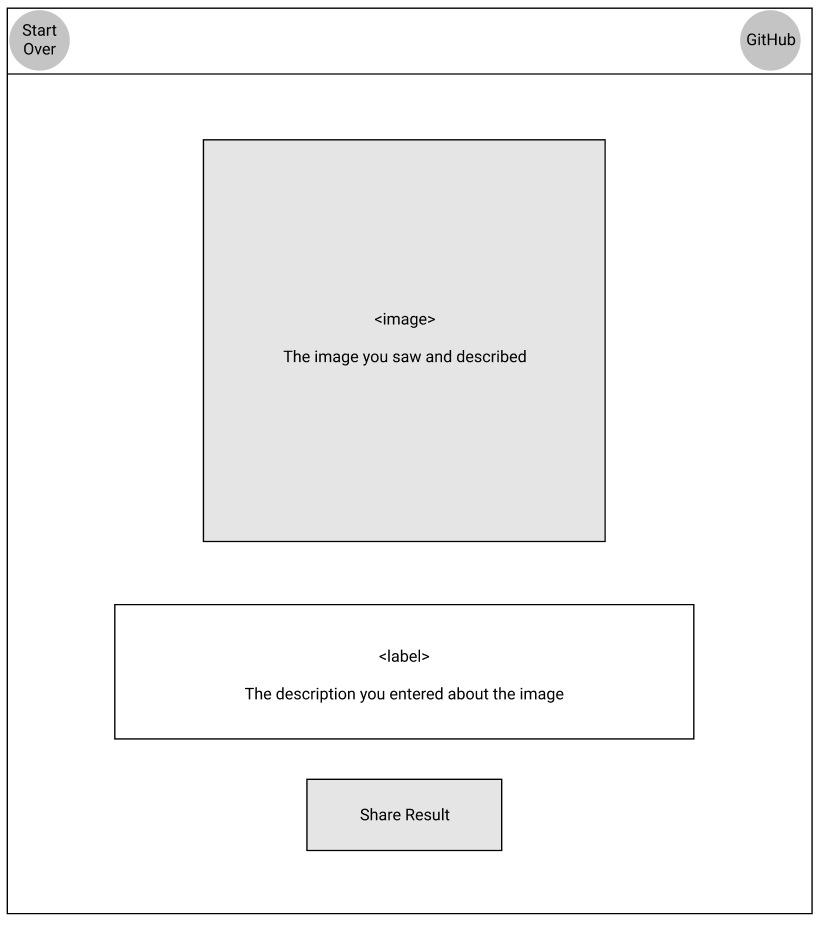
Now that I have an idea it’s time to work on the design. I usually start by thinking about the UI and how it will flow. So I fired up [Figma](https://figma.com) and created a rough sketch of the UI. For this project I need something simple, 2 or 3 views and a couple of inputs.
## The Workflow
1. User begins at the landing page:
* A random image will appear for a set amount of time.
* They will enter a description of what they saw in an input box.
* They will then click the Submit button, which navigates them to the results page.
2. User finishes at the results page:
* The original image will be displayed.
* The user’s input describing the image will be displayed.
* They can then click the Share Results button, which will copy the link to the results page.
## The Landing Page
## The Results Page
#### See you on the next post!
---
 ---
Photo by William Iven on Unsplash
---
Photo by William Iven on Unsplash