# DO Hackathon: Phase 3 - The Framework
## Quick tip - start with what you know
---
Determining the "best" framework(s) for each part of the project can be daunting, especially since there is so much to choose from. I usually brainstorm with what I know and then see if there is a technology I want to dabble in, which is what I did in this case.
## The Frontend
At first I was going to shoot for an HTML5 (html, css, vanilla js) implementation for this project. However, I decided to throw caution to the wind and push myself to learn something new and try using Vue.js.

## The Backend
As for the backend, I wanted to use something lightweight and relatively easy to set up. I’ve been wanting to dabble in Google’s Firebase, so that’s the route I decided to take.

## The Dependencies
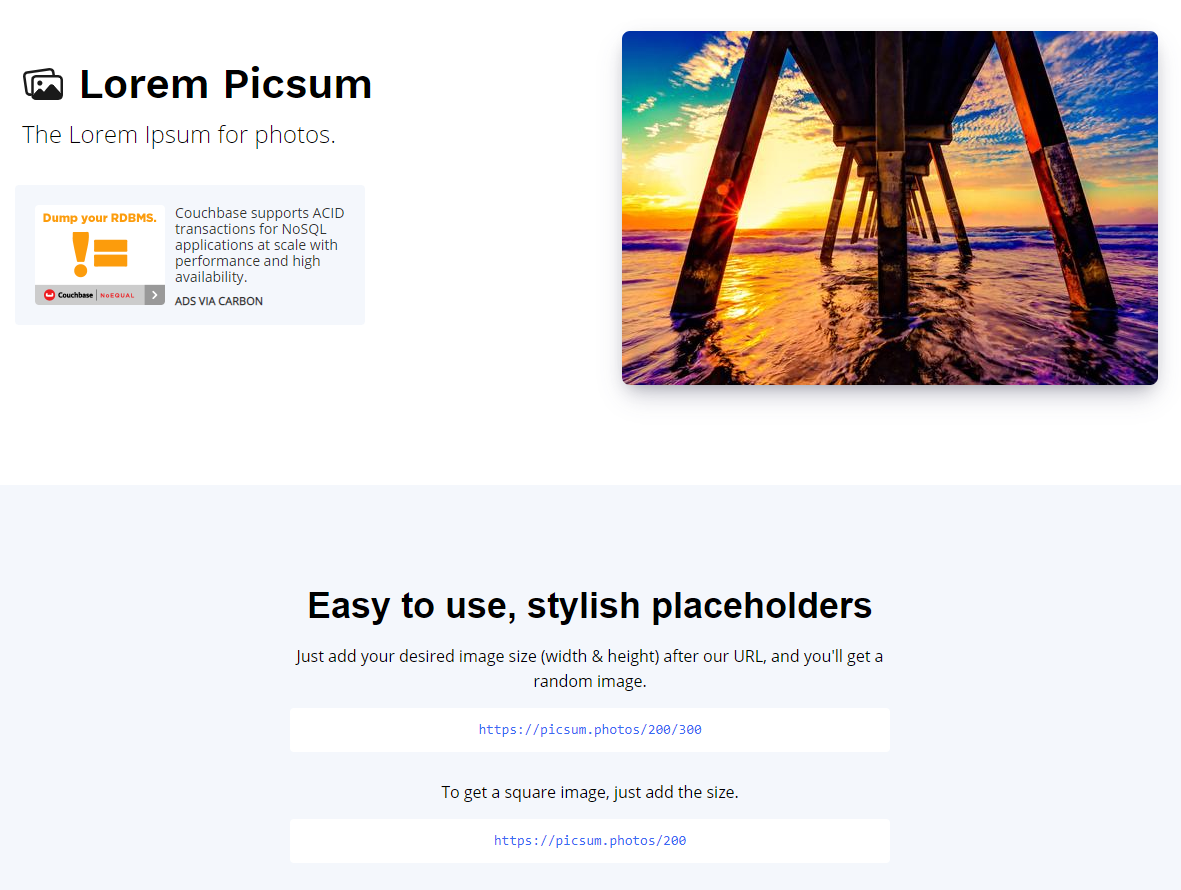
One of the main features of the app is to display a random picture to the user. I decided to use Lorem Picsum, [check it out here](https://picsum.photos/), this dependency has exactly what I need and is easy to implement. Kudos to [David Marby](https://dmarby.se) and [Nijiko Yonskai](https://github.com/Nijikokun)! Check out the source code [here](https://github.com/DMarby/picsum-photos).
### See you on the next post!
---
Photo by Matthew T Rader on Unsplash
---
